Note · webgpu
I gave my webcam a lighting crew
A video call in a dim room, a flat grey face, and one question: what if the lamps were software? The story of Virtual Lighting, an app that lights your real room, and the surprises along the way.
You know the call. You sit in a dim room, your face turns a flat grey, and on the other side everybody looks like they brought a lighting crew.
I kept wondering: what if the lamps were software? What if I could drag them around my own face and my own room, in the middle of the call?
That became Virtual Lighting, a Windows app plus a Chrome extension that works in Google Meet and Zoom on the web. This is how it went, including the parts that did not work.
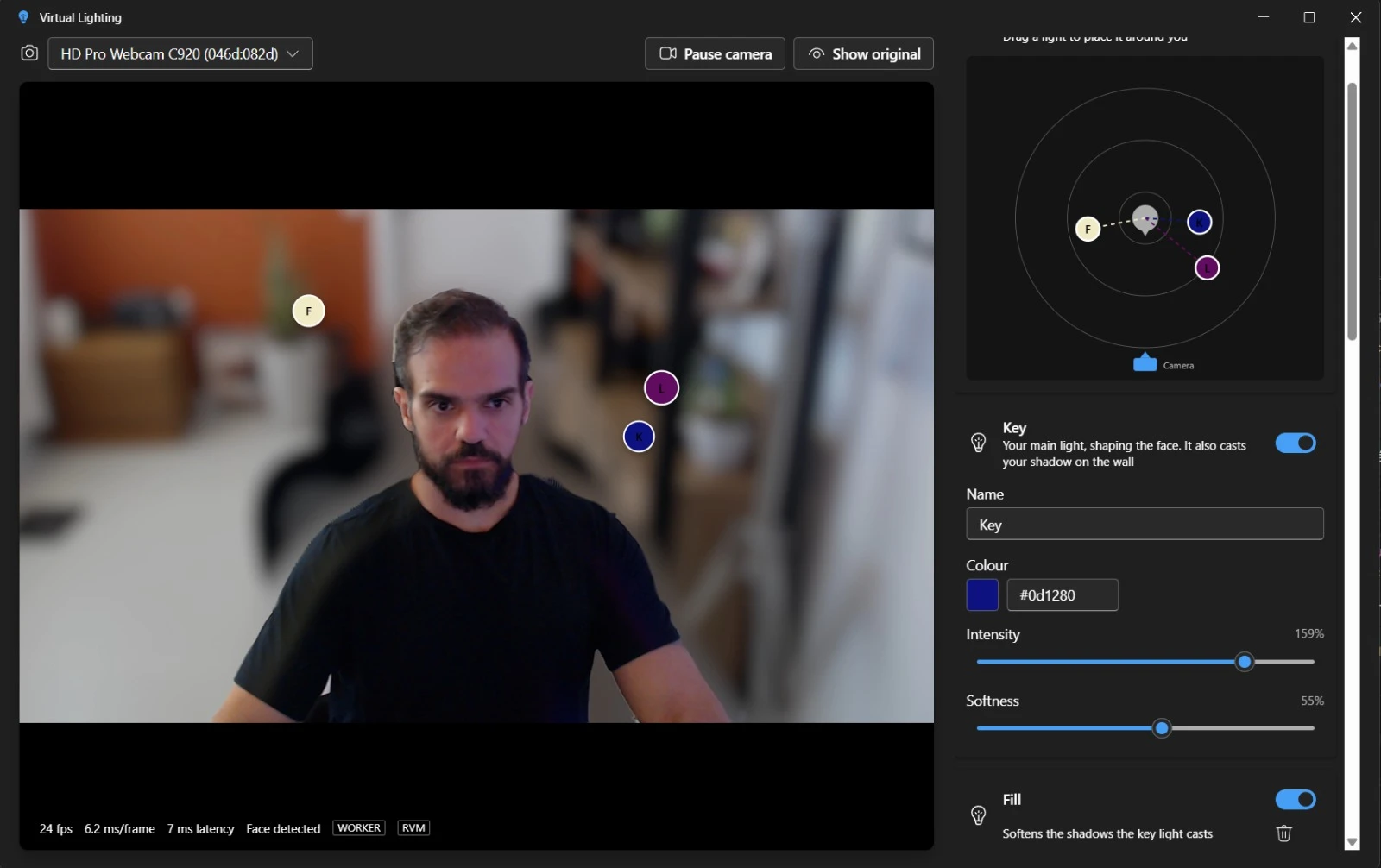
The fake studio didn't survive
The first version dropped me into a made-up studio. It looked like a weather forecast. So the lights now fall on the real room: a warm light on one side, a cool one on the other, and a soft shadow of me on the wall behind.
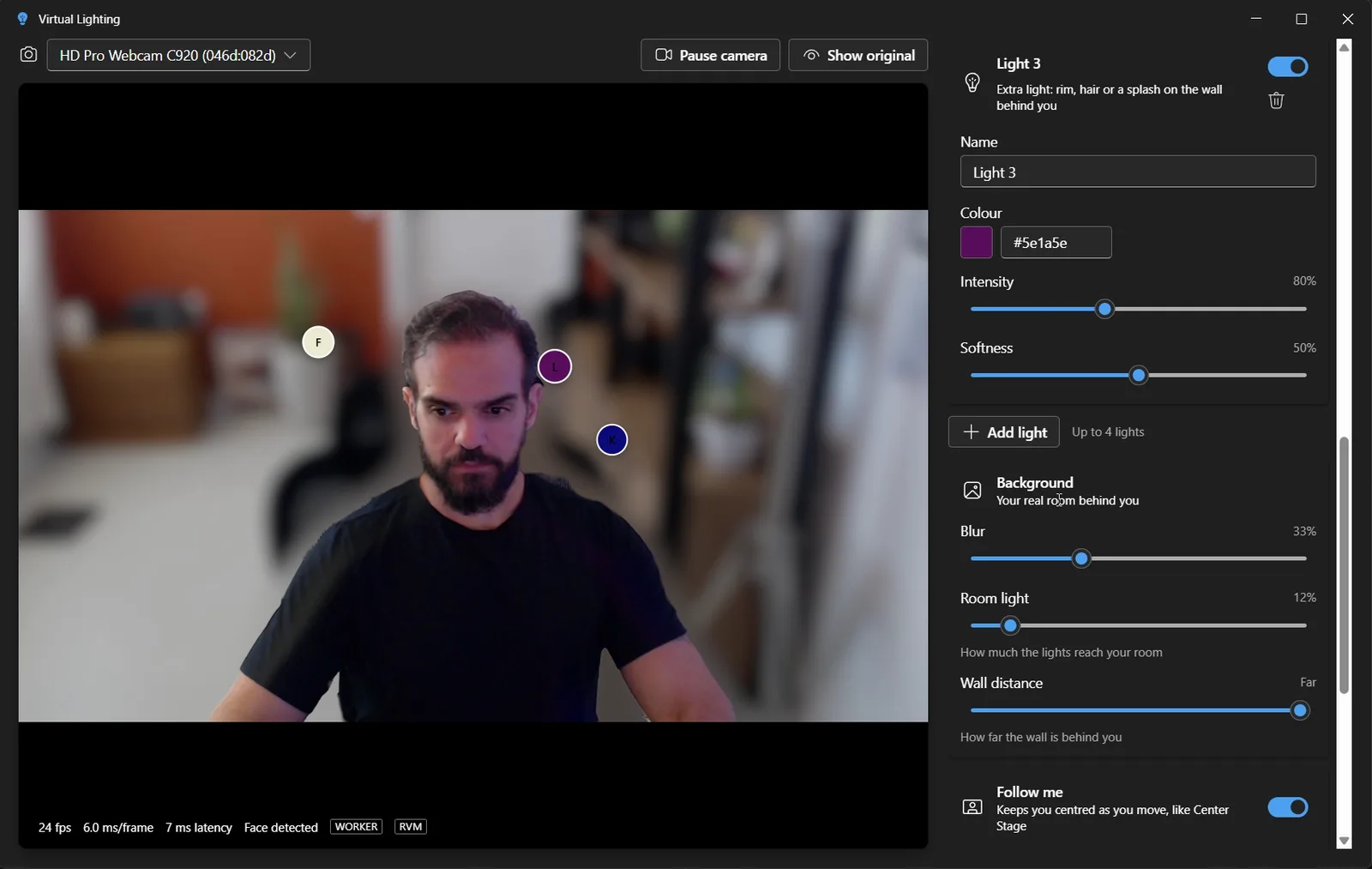

You get up to four lights. Each one is a circle on a small map, and the picture changes while you drag it. Drag one behind you and watch it rim your shoulders.
Teaching it to sit still
To light a room differently from a person, the app has to know exactly where you end. The cutout around my head shimmered like a bad green screen. Then I switched to a model that remembers the previous frames, and the edge went calm.
That model is open source and asks for one thing back: the project has to be open source too. It runs on the graphics card, using a browser technology called WebGPU, and it keeps going at 30 frames a second even when the page is busy.
Meet doesn't let strangers in
Google Meet is a fortress for code running inside it. It has strict rules about what may start, what may load and from where. A large part of the extension is me looking for the one narrow door that is allowed. At one point I picked the wrong door, and the app quietly gave up on the fast path for the whole call.
The light arrives late, on purpose
The AI model takes up to 39 seconds to wake up the first time. Waiting for it meant starting calls with no camera at all. Now the camera opens instantly and the light arrives a few seconds later, like someone switching the lamps on. The price is a few seconds of plain, unlit me.
Letting go of the webcam
Windows lets only one app hold the webcam. Mine held on to it, and Meet got a black picture. Now the app lets go politely when you switch to your call, and takes the camera back when you return.
Follow me
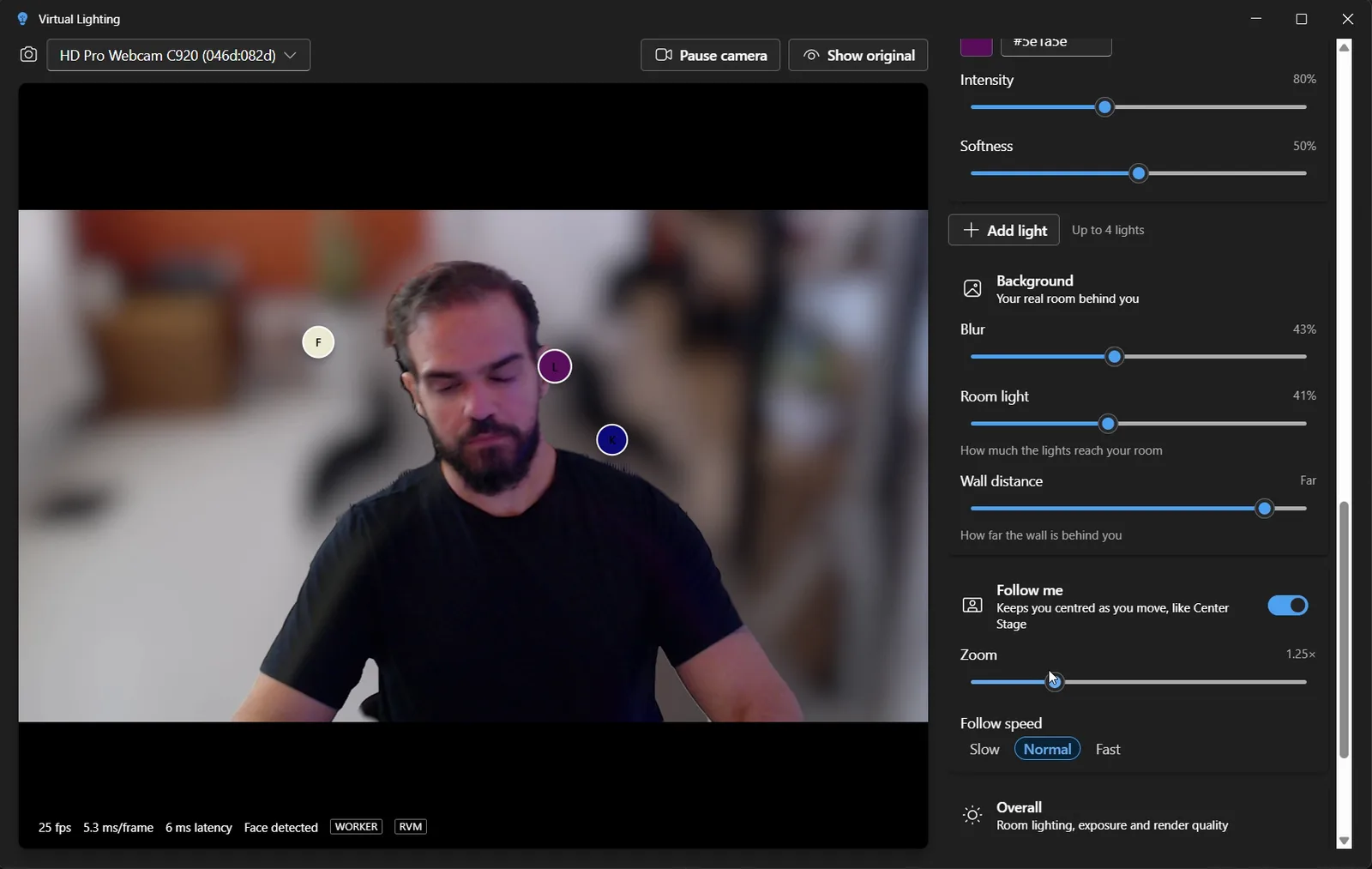
A switch called Follow me keeps you centred like a camera operator would. Lean back, stand up, wander off to get a mug: the frame glides after you, and it ignores tiny movements so it does not twitch.
Try it, break it
It is open source on GitHub. For now it is Windows, plus Meet and Zoom in the browser. The next thing I want is a virtual camera, so it works in any app.
If you could drag one light anywhere in your room in the middle of a call, where would you put the first one?
Something to add, or a part you disagree with? Write back.
Reply by email